Thumbnail
Time-based thumbnail preview component for timeline scrubbing and hover previews
Quick Start: Video Track
Thumbnail can read thumbnail cues directly from your video track. Add a <track> with kind="metadata" and label="thumbnails" to your media element.
Mux provides this as storyboard.vtt:
https://image.mux.com/{PLAYBACK_ID}/storyboard.vtt
<Video src="video.mp4">
  <track
    kind="metadata"
    label="thumbnails"
    src="https://image.mux.com/BV3YZtogl89mg9VcNBhhnHm02Y34zI1nlMuMQfAbl3dM/storyboard.vtt"
    default
  />
</Video>
<Thumbnail time={12} />
Anatomy
<Thumbnail time={12} />Behavior
Thumbnail resolves an image for the current time.
Supported source formats:
- Text track:
<track kind="metadata" label="thumbnails" src="...vtt"> - JSON array:
{ url, startTime, endTime? }[] - JSON sprite array:
{ url, startTime, endTime?, width, height, coords }[]
In React, text-track mode needs Player.Provider because it reads track state from the player store. JSON modes (thumbnails prop) work without Provider.
The component picks the latest thumbnail whose startTime is less than or equal to the current time, then scales/clips sprite tiles to fit CSS min/max constraints while preserving aspect ratio.
Styling
Use state data attributes for pure CSS styling:
React renders a <div> element. Add a className to style it:
.thumbnail[data-hidden] {
  display: none;
}

.thumbnail[data-loading] {
  opacity: 0.6;
}

.thumbnail[data-error] {
  outline: 1px solid #ef4444;
}
Accessibility
Thumbnail is decorative by default (aria-hidden="true"). It is intended for visual preview UX (for example, timeline hover previews) rather than primary accessible content.
Examples
Text Track (VTT)
import { createPlayer, Thumbnail } from '@videojs/react';
import { Video, videoFeatures } from '@videojs/react/video';

import './BasicUsage.css';

const Player = createPlayer({ features: videoFeatures });

export default function TextTrackUsage() {
  return (
    <Player.Provider>
      <Player.Container className="react-thumbnail-text-track">
        <Video
          className="react-thumbnail-text-track__media"
          src="https://stream.mux.com/BV3YZtogl89mg9VcNBhhnHm02Y34zI1nlMuMQfAbl3dM/highest.mp4"
          preload="auto"
          muted
          playsInline
          crossOrigin="anonymous"
        >
          <track kind="metadata" label="thumbnails" src="/docs/demos/thumbnail/basic.vtt" default />
        </Video>
        <Thumbnail className="react-thumbnail-text-track__thumbnail" time={12} />
      </Player.Container>
    </Player.Provider>
  );
}
.react-thumbnail-text-track {
  position: relative;
  max-width: 280px;
}

.react-thumbnail-text-track__media {
  position: absolute;
  width: 1px;
  height: 1px;
  opacity: 0;
  pointer-events: none;
}

.react-thumbnail-text-track__thumbnail {
  display: block;
  width: auto;
  min-width: 0;
  max-width: 240px;
}

.react-thumbnail-text-track__thumbnail[data-hidden] {
  display: none;
}
JSON Array
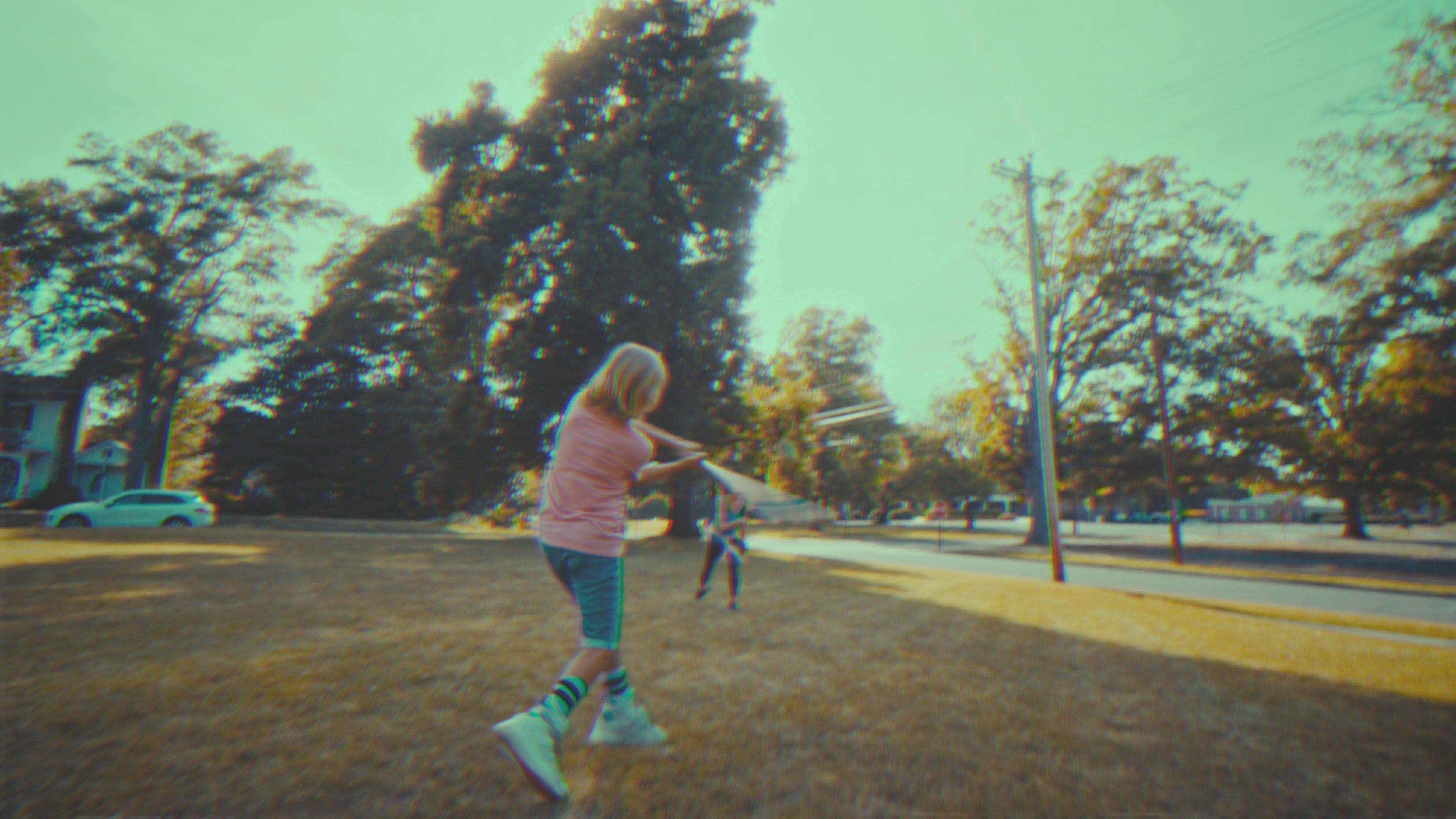
import { Thumbnail } from '@videojs/react';

const THUMBNAILS = [
  {
    url: 'https://image.mux.com/BV3YZtogl89mg9VcNBhhnHm02Y34zI1nlMuMQfAbl3dM/thumbnail.jpg?time=0',
    startTime: 0,
    endTime: 10,
  },
  {
    url: 'https://image.mux.com/BV3YZtogl89mg9VcNBhhnHm02Y34zI1nlMuMQfAbl3dM/thumbnail.jpg?time=10',
    startTime: 10,
    endTime: 20,
  },
  {
    url: 'https://image.mux.com/BV3YZtogl89mg9VcNBhhnHm02Y34zI1nlMuMQfAbl3dM/thumbnail.jpg?time=20',
    startTime: 20,
  },
];

export default function JsonUsage() {
  return <Thumbnail thumbnails={THUMBNAILS} time={12} style={{ maxWidth: 240 }} />;
}
JSON Sprite Array
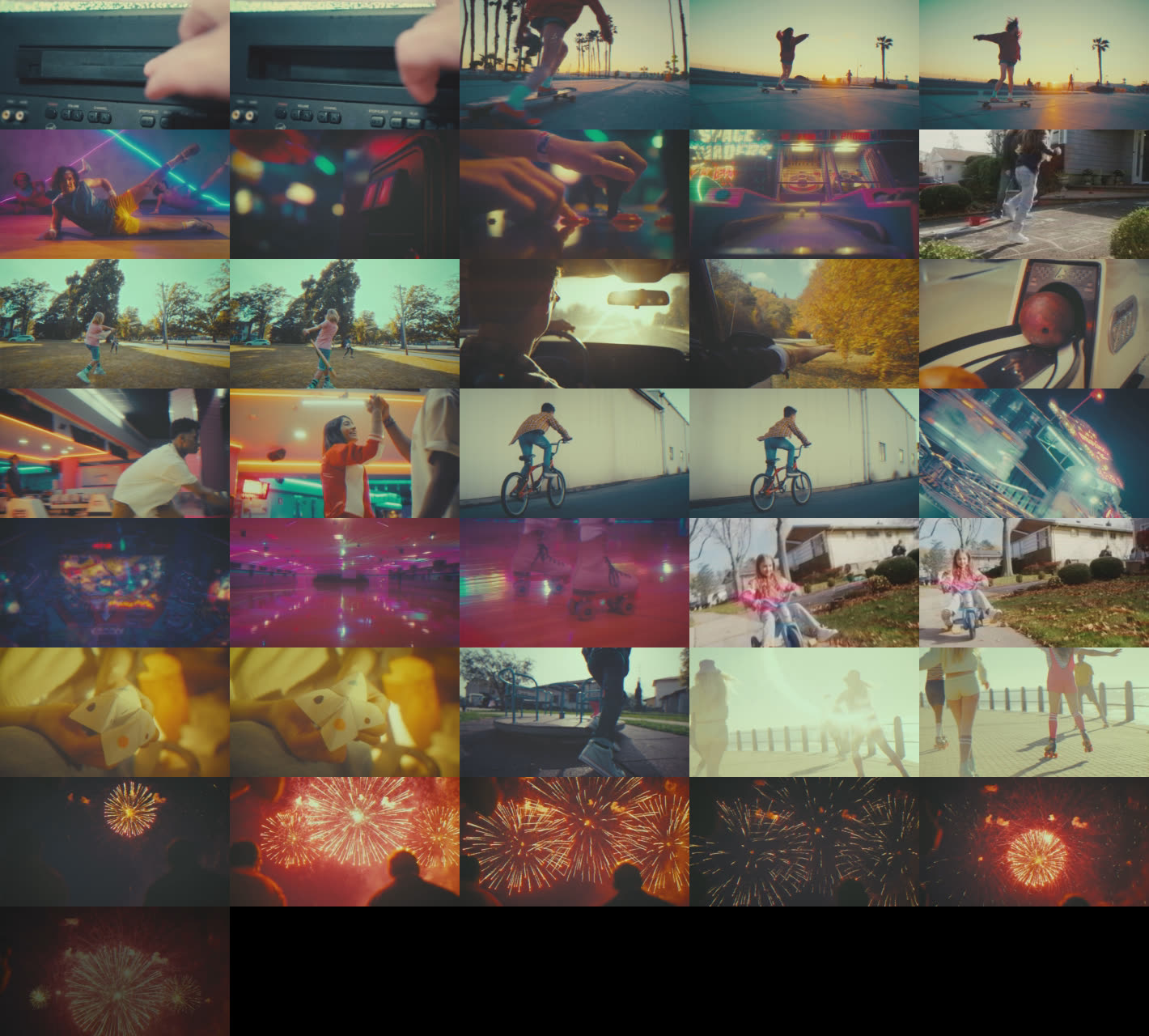
import { Thumbnail } from '@videojs/react';

const THUMBNAILS = [
  {
    url: 'https://image.mux.com/BV3YZtogl89mg9VcNBhhnHm02Y34zI1nlMuMQfAbl3dM/storyboard.jpg',
    startTime: 0,
    endTime: 10,
    width: 284,
    height: 160,
    coords: { x: 0, y: 0 },
  },
  {
    url: 'https://image.mux.com/BV3YZtogl89mg9VcNBhhnHm02Y34zI1nlMuMQfAbl3dM/storyboard.jpg',
    startTime: 10,
    endTime: 20,
    width: 284,
    height: 160,
    coords: { x: 284, y: 0 },
  },
  {
    url: 'https://image.mux.com/BV3YZtogl89mg9VcNBhhnHm02Y34zI1nlMuMQfAbl3dM/storyboard.jpg',
    startTime: 20,
    width: 284,
    height: 160,
    coords: { x: 568, y: 0 },
  },
];

export default function JsonSpriteUsage() {
  return <Thumbnail thumbnails={THUMBNAILS} time={12} style={{ maxWidth: 240 }} />;
}
API Reference
Props
| Prop | Type | Default | Details |
|---|---|---|---|
crossOrigin | 'anonymous' | 'use-credentials' | '' ... | — | |
| |||
fetchPriority | 'high' | 'low' | 'auto' | — | |
| |||
loading | 'eager' | 'lazy' | — | |
| |||
time | number | — | |
| |||
State
State is accessible via the render, className, and style props.
| Property | Type | Details |
|---|---|---|
loading | boolean | |
| ||
error | boolean | |
| ||
Data attributes
| Attribute | Type | Details |
|---|---|---|
data-loading | ||
data-error |